

Coolify
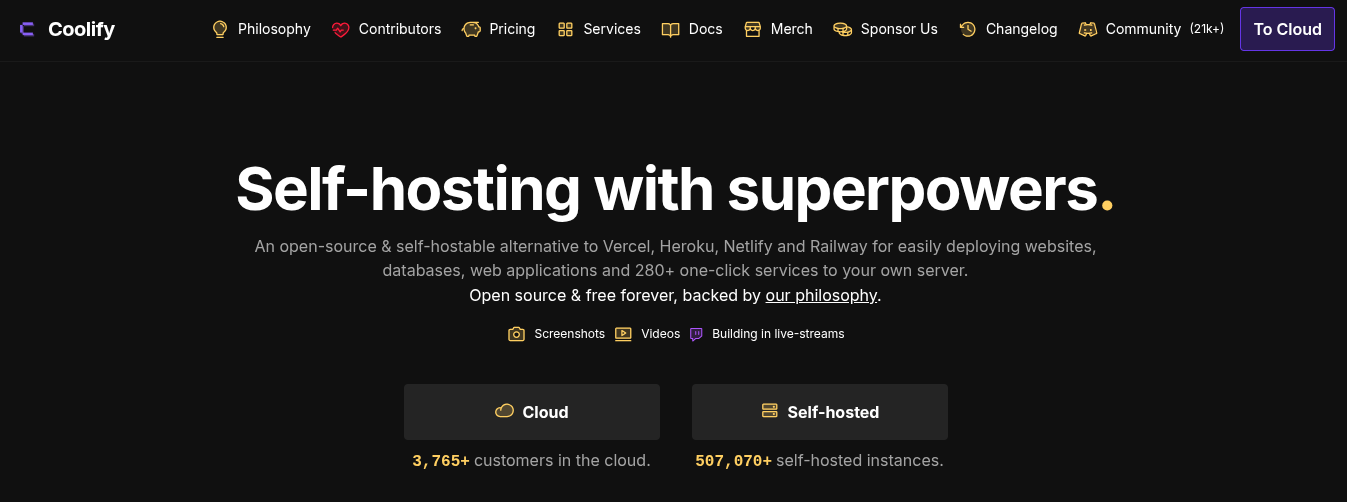
An open-source and self-hostable alternative to Vercel, Heroku, Netlify and Railway.
coolify.ioVisit WebsiteTarget Audience




What is Coolify
Coolify is an open-source platform for deploying and managing applications, databases, and services on servers you control. It provides a PaaS-style dashboard and API while keeping workloads on your own VPS, bare-metal servers, Raspberry Pis, or cloud instances.
Overview
Coolify provides a self-hostable control plane for deploying and managing Docker-based workloads. Applications can be deployed from Git repositories, Dockerfiles, Docker Compose files, or prebuilt Docker images. It supports static sites, full-stack applications, databases, and more than 280 one-click services. Coolify connects to servers over SSH and manages deployments, domains, HTTPS, health checks, backups, and day-to-day operations. Users can either run Coolify themselves for free or use Coolify Cloud, while still providing the servers where their applications and workloads run.
Who should and shouldn't use it
- You want to self-host applications while keeping control of your servers and data.
- You want a graphical PaaS workflow without adopting a fully managed hosting provider.
- You deploy Dockerized applications, databases, or open-source services.
- You want to deploy to VPS providers, bare-metal servers, Raspberry Pis, or cloud instances.
- You want an open-source alternative to Vercel, Heroku, Netlify, or Railway.
- You want the hosting provider to manage your application servers and infrastructure for you.
- You do not want to handle server security, SSH access, networking, or workload operations.
- You need a traditional fully managed PaaS where infrastructure is included.
- You do not want to manage a self-hosted control plane when using the free version.
Key Features
- Self-hosted PaaS
- Deploy applications from Git repositories
- Dockerfile deployments
- Docker Compose deployments
- Prebuilt Docker image deployments
- Database deployments
- 280+ one-click services
- Automatic HTTPS
- Custom domains
- Health checks
- Application and service backups
- Preview deployments
- Multiple servers
- Projects and environments
- API access
- Deployment logs
- Environment variables and secrets
- Server management over SSH
- GitHub integration
- Docker-based workloads
Integrations Supported
Frequently Asked Questions
Get Discovered by Founders Ready to Buy
List your app in front of 10,000+ builders actively searching for tools like yours. 100% free to submit, live in 24 hours.